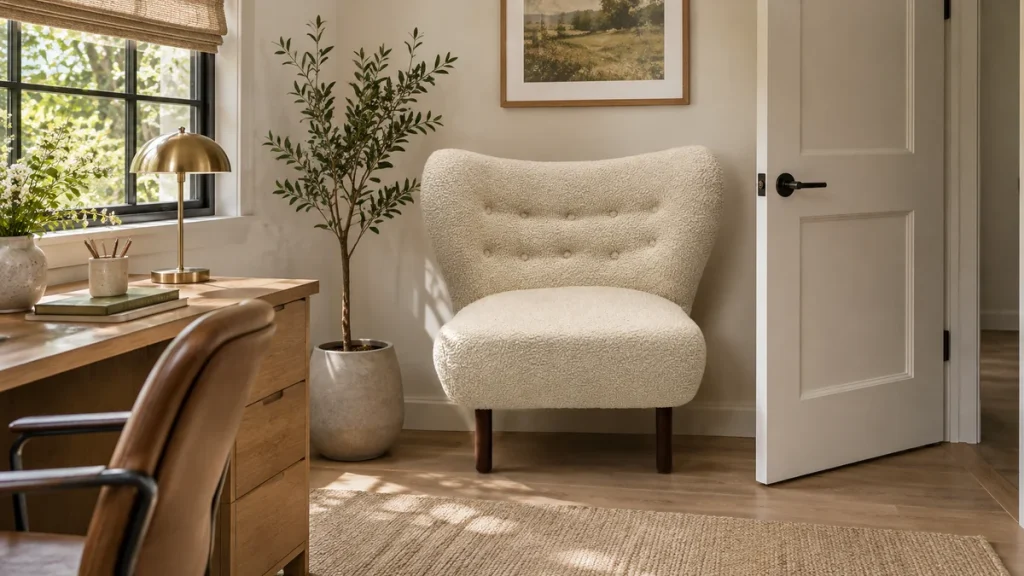
Lounge chair comparison tables work best when every model is described using the same definitions. One chair listed with overall depth and another listed with usable seat depth create a misleading comparison even if both figures are accurate. Set the fields first, then gather the data for the selected configurations.
Arrange the most decision-relevant fields first and make units visible. A buyer should be able to compare the chair footprints without scrolling between a value and its definition.
Choose fields that support a decision
Start with the questions customers ask: footprint, sitting space, base type, upholstery options, accessories and delivered format. Include only fields that you can populate meaningfully. A wide table with many vague claims is harder to use than a focused table with clear comparable information.
Identify the exact variant in each column. If upholstery or base changes affect a field, do not present one model-wide value without explanation. Use separate rows or a visible note where necessary. The buyer should know whether the table compares finished items or general model families.
Define measurements consistently
Keep overall width, depth and height separate from usable seat measurements. Use the same units and measurement conditions across the table. If one supplier’s definition differs, request clarification or mark the figure as not directly comparable. Do not silently convert a different kind of measurement into your chosen field.
Record the source and revision internally for each value. A comparison assembled from several old sheets can look current while containing superseded dimensions. The internal evidence record should allow staff to trace a figure back to the product configuration it describes.
Use confirmed feature language
Base functions should be stated from the actual specification. A circular base does not prove swivel capability, and a relaxed back does not prove reclining movement. Use explicit confirmed fields rather than inferring the function from photographs. Where an option is available, distinguish it from the configuration being compared.
Keep subjective observations in a separate section with their basis. A staff sample comparison can help describe the experience, but it should not appear as a universal comfort score. Acknowledge that fit and intended activity affect the customer’s decision. Avoid medical suitability claims in the table.
Make unknown information visible
Use pending confirmation or not supplied when a field is unresolved. A blank cell can mean no, unknown or not applicable, and those meanings lead to different conclusions. Do not insert zero or a favourable adjective merely to make every row appear complete.
Check accessory and delivery scope. A chair with an included pillow or ottoman may differ from a chair-only item, while packaging and assembly can create a different preparation task. These facts belong in the comparison when they affect the choice, but they should not be merged into the overall chair dimensions.
Review the finished table with someone unfamiliar with the range. Ask them to explain the important differences and identify any uncertainty. Update it whenever the underlying product records change. Request confirmed configuration information through the Milliecole contact page. A good comparison lets the facts align across models and leaves unsupported claims out of the decision.