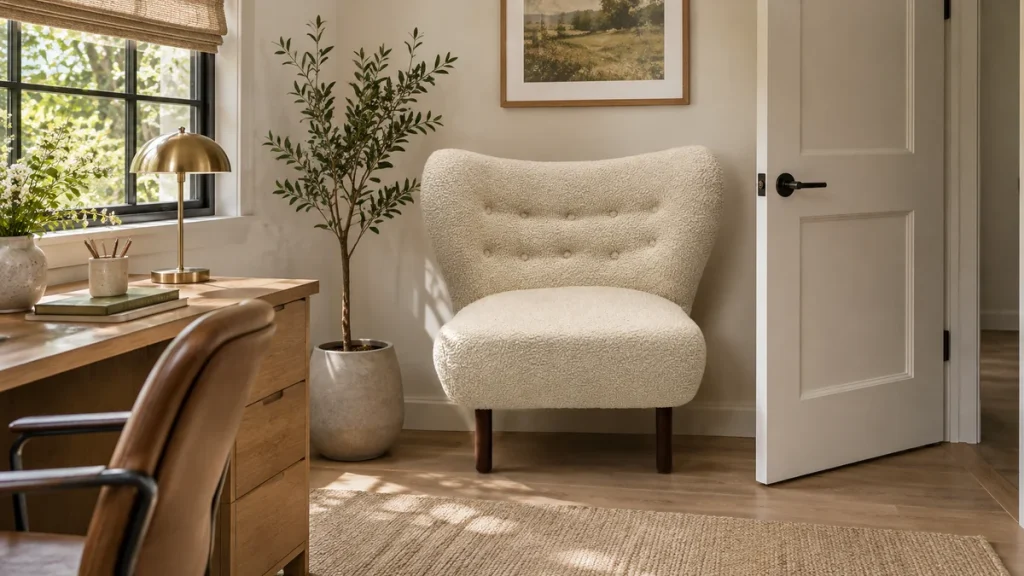
Lounge chair product dimensions should help someone decide whether a chair will fit both their room and their intended sitting position. A single width, depth and height line cannot answer both questions. For an online retailer or furniture brand, the goal is a diagram that makes every measurement understandable without a sales call.
Begin with the fully assembled chair on a level surface. State the measurement unit and identify the exact variant. If a different base or cushion changes the result, give that version its own diagram. A photograph of a similar chair should never carry dimensions borrowed from another model merely because the silhouettes look alike.
Separate overall and usable space
Overall width belongs at the widest points of the finished item. Usable seat width is the space a person can occupy between the arms or side cushions. Show both when they differ. Likewise, overall depth includes the rearward reach of the back, while usable seat depth needs clearly defined starting and ending points. Draw arrows to those points.
Seat height requires a stated condition. Tell buyers whether it was measured with the chair unoccupied and whether a loose cushion was in its normal position. Do not introduce a loaded measurement unless you can explain the loading method and repeat it. Comparing an occupied sample with an empty showroom chair produces figures that look precise but describe different conditions.
Make the drawing answer a purchase question
Use a front view for overall width and the opening between the arms. Use a side view for overall depth, seat height and the back profile. A top view can help explain a rounded chair whose maximum width does not occur at the front. Avoid stacking every arrow onto one image; legibility matters more than the number of dimensions displayed.
Label accessories separately. If an ottoman is optional, give its own footprint and height rather than adding it to the chair depth. If a pillow appears in the photograph, clarify whether the reported usable depth includes it. A buyer should not need to guess whether the pictured configuration matches the item in the cart.
Keep packaging measurements elsewhere
Carton dimensions help with transport and access planning, but they are not assembled-chair dimensions. Place them in a delivery section with a visible label. For a chair with removable parts, identify what arrives detached and what can be removed according to approved instructions. Do not promise that a smaller doorway will work merely because the legs appear detachable in a picture.
Show a real scale photograph alongside the diagram if possible. Use a consistent camera position and avoid a wide-angle view that exaggerates the seat opening. Include the full chair and enough surrounding context to explain proportion, while keeping room styling from obscuring the base or arm shape. A lifestyle image supplements measurements; it does not replace them.
Audit the listing before publication
Give the draft page to someone unfamiliar with the model. Ask them to identify the widest point, the sitting space and the delivered package size. If they cannot distinguish those figures, revise the labels. Then compare the diagram, specification sheet and carton record against the same approved sample.
Keep the measurement date and revision in your internal file. When the product changes, update every place that uses the dimensions, including downloadable sheets and dealer feeds. The Milliecole inquiry page can be used to request confirmation of a selected chair configuration before you prepare its customer-facing diagram.